
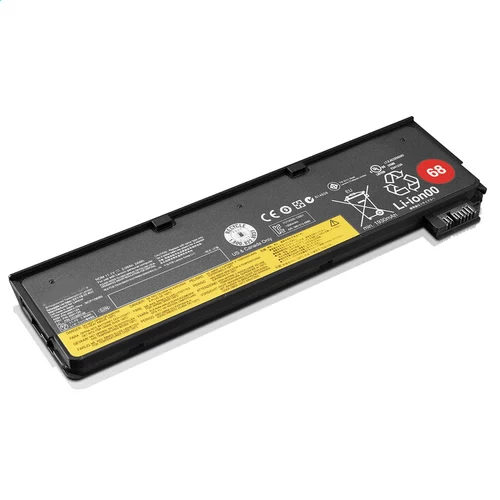
Replacement new Battery for Lenovo 45N1126 48Wh 10.8V
- 43.59GBP 55.66GBP
- Payment by PayPal + 1 year warranty + Free Shipping!
-
Availability : In stock
Voltage : 10.8V
Capacity : 48Wh
Product Type : Li-ion
Condition : replacement new

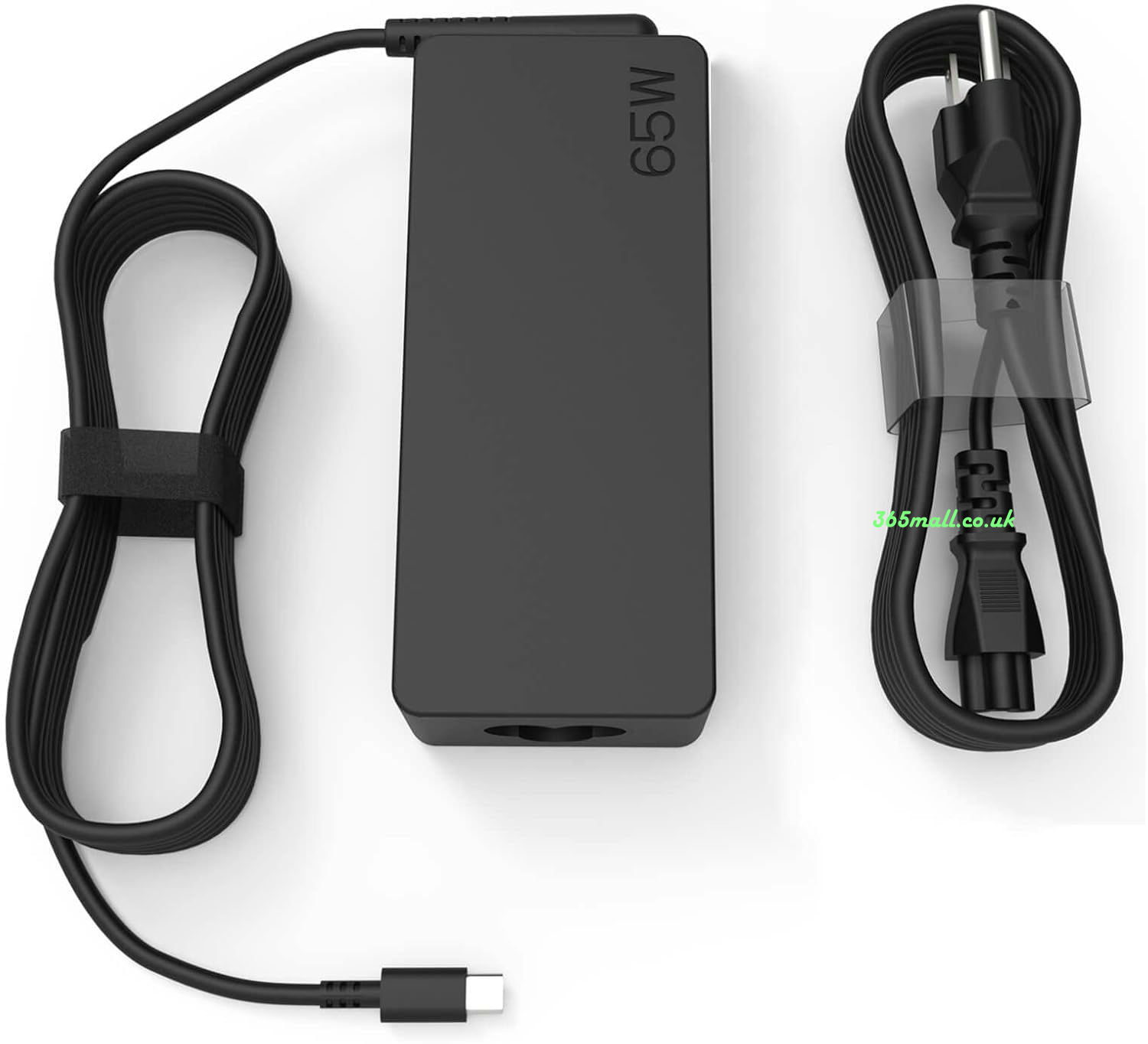
Ac Adapter Charger for Lenovo 45N1126
- 32.69GBP47.6GBP
- NEW AC DC 45N1126 Adapter Laptop Charger Compatible Replacement For Lenovo Thinkpad Laptop PC Power Supply.
-
Availability : In stock
Description
| Lenovo 45N1126 Battery rechargeable/replacement specifications | |
| Availability: | In stock |
| Battery Type: | Li-ion |
| Capacity: | 48Wh |
| Voltage: | 10.8V |
| Color: | Black |
Bring your replacement new for original laptop back to life with high-quality Lenovo 45N1126 laptop battery - Made of high-quality materials, top grade battery cells and packed with safety features.
By buying here, you can buy quality and benefit from the expertise, order tracking and quality assurance of the US store.
- With this new Battery for 45N1126 , you can find the performance of the device as it did earlier.
- The Lenovo 45N1126 battery is replacement new and consists of high-quality batteries.
- It is 100% compatible with your laptop.
- Long life-Lithium technology without memory effect.
- Protection: short circuit, overheating, overvoltage. Safety and reliability.
- 45N1126 laptop Battery MAh capacity may vary. The more mAh it has, the higher its autonomy.
Lenovo 45N1126 48Wh 10.8V Laptop battery tips:
- 1.Carefulness read narrate book of battery,use commendatory battery.
- 2.New Lenovo 45N1126 10.8V notebook battery pack must be fully charged before use.
- 3.New laptop battery needs to be fully charged and discharged (cycled) a few times before it can condition to full capacity.
- 4.Lenovo 45N1126 10.8V Rechargeable batteries undergo self-discharging when left unused. Always store a battery pack in a fully charged stage for storage.
- 5.Fully drain and fully recharge your battery pack every few month.
- 6.Li-ion and NiMH battery can not interchangeable.
- 7.Turn down the LCD brightness of your portable device.
- 8.Use built-in power management on your portable device.
- 9.Turn off LCD or other unnecessary accessories when not in use.
- 10.Set screen saver blank to 1 to 2 minutes of your Lenovo 45N1126 10.8V laptop.
- 11.It is normal to get warm when charging or normal use. If it is getting too hot, there may be a problem with the device and qualified personnel should check it.
- 12.Research the electric appliance and the batteries contact elements is whether clean, when necessity is clean with the wet cloth mop, after dry loads according to the correct polar direction.
- 13.Lenovo 45N1126 10.8V Notebook battery should stock in cool place, and dry.
